
Download Zeeb – Movie Collection Organizer, IMDB Integration, Adobe Air App
Overview
Zeeb is a specialized utility designed to streamline the management of personal movie collections stored on local devices. Built on the Adobe Air platform, the application focuses on simplifying the often tedious process of organizing film libraries by automating the retrieval and updating of metadata. It enables users to rename files and download essential movie details—such as titles, release years, plot summaries, and cast information—directly from IMDB. This functionality is particularly beneficial for individuals who maintain large digital archives of movies but struggle with inconsistent naming conventions or missing data.
Target users include film enthusiasts, collectors, and home media archivists who prioritize a well-structured digital library. The app addresses common pain points like manual file renaming, outdated metadata, and fragmented organization across multiple folders. By leveraging IMDB’s extensive database, Zeeb ensures users access accurate and current information, enhancing both usability and visual appeal of their collections. Its core value lies in transforming disorganized movie files into a consistent, searchable, and professional-grade library.
Although the developer did not provide additional technical details, Zeeb’s purpose is clear: to serve as a focused tool for metadata enrichment and file organization. In the broader app ecosystem, it fills a niche for users seeking a lightweight yet effective solution without the complexity of full-fledged media center software. For those with hundreds or thousands of unstructured movie files, Zeeb offers a practical and efficient path to digital order.
Key Features & Functionality
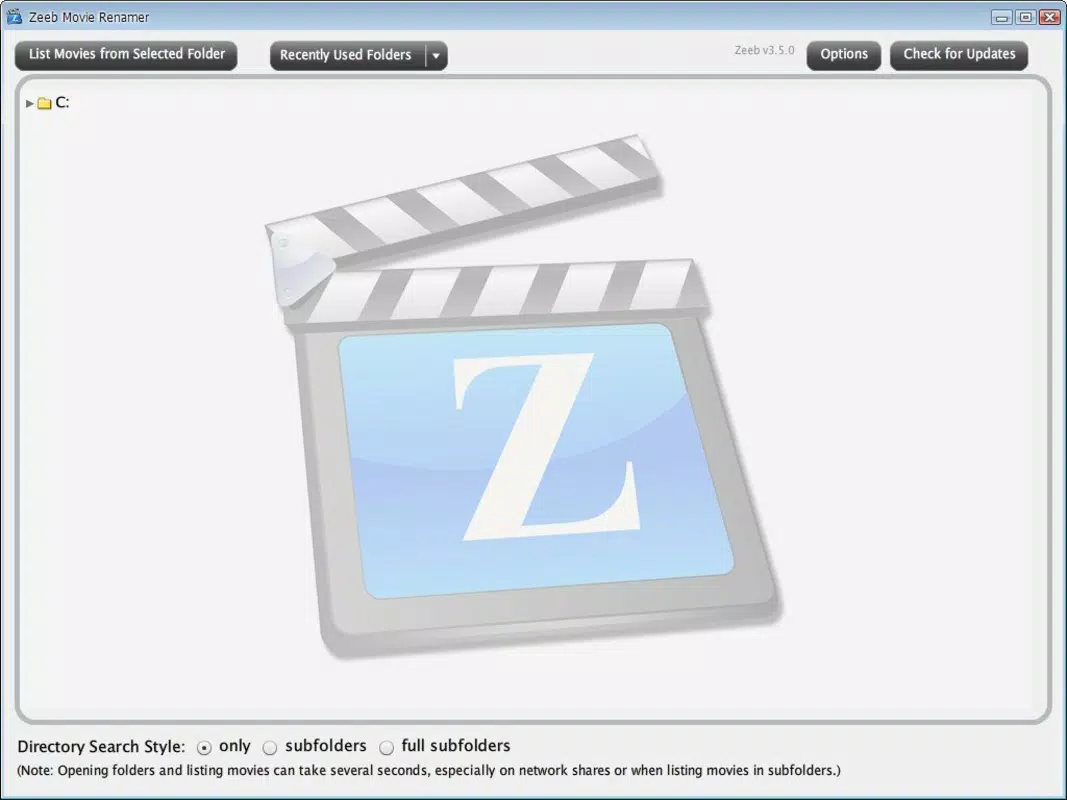
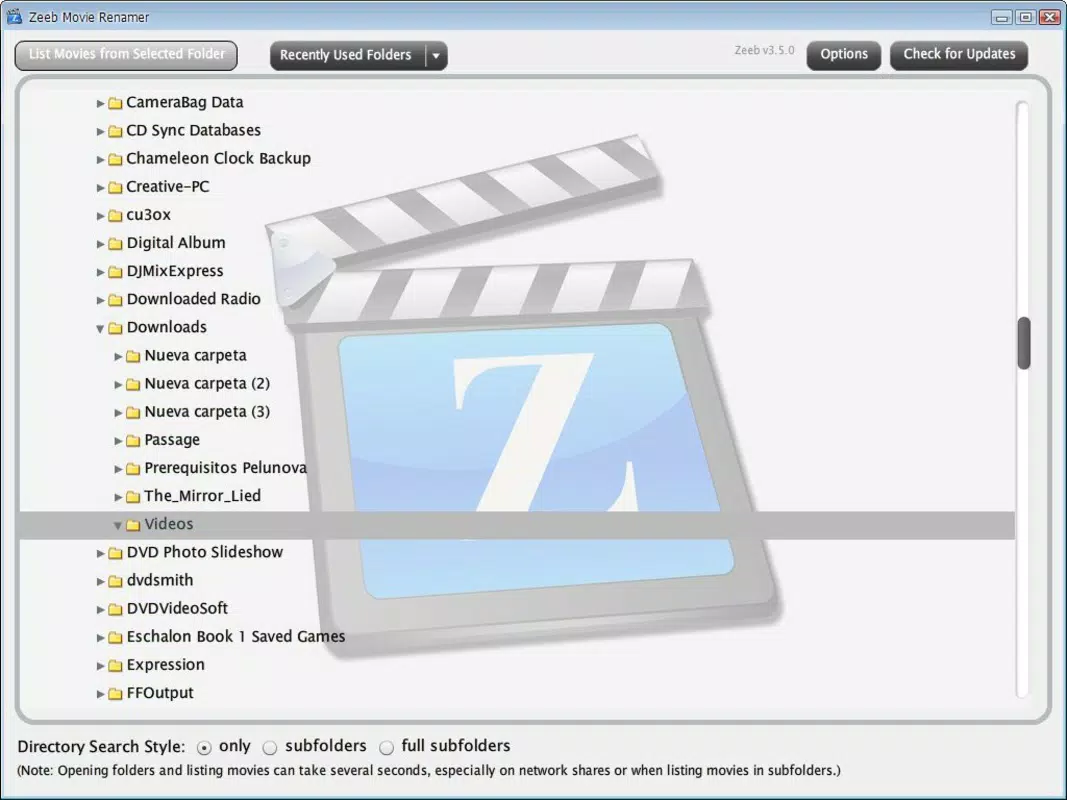
- User-Friendly Interface: Zeeb features a clean, intuitive layout that minimizes learning curves, making it accessible even to users without technical expertise. The interface is structured to prioritize essential actions like scanning folders, initiating metadata retrieval, and renaming files, ensuring that core tasks are completed quickly and without confusion.
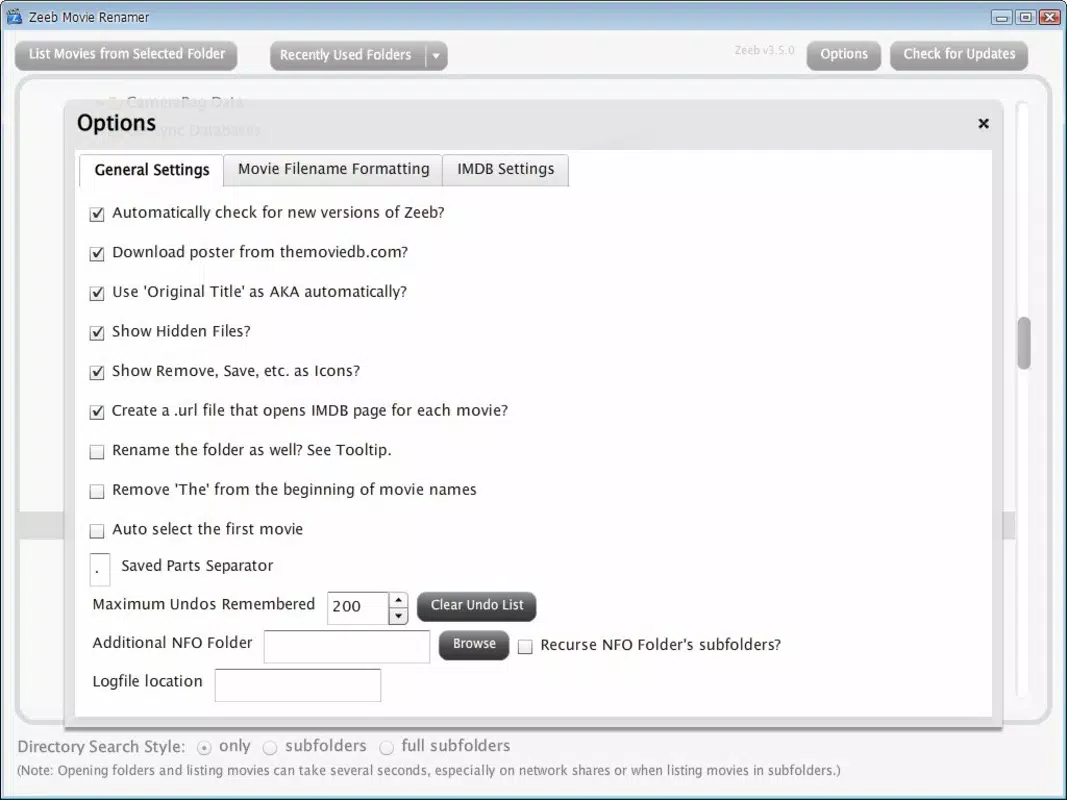
- Customizable Settings: Users can define exclusion rules for specific keywords or phrases in movie descriptions. This allows for personalized filtering, helping to avoid clutter from irrelevant or unwanted data such as promotional content, spoilers, or redundant terms.
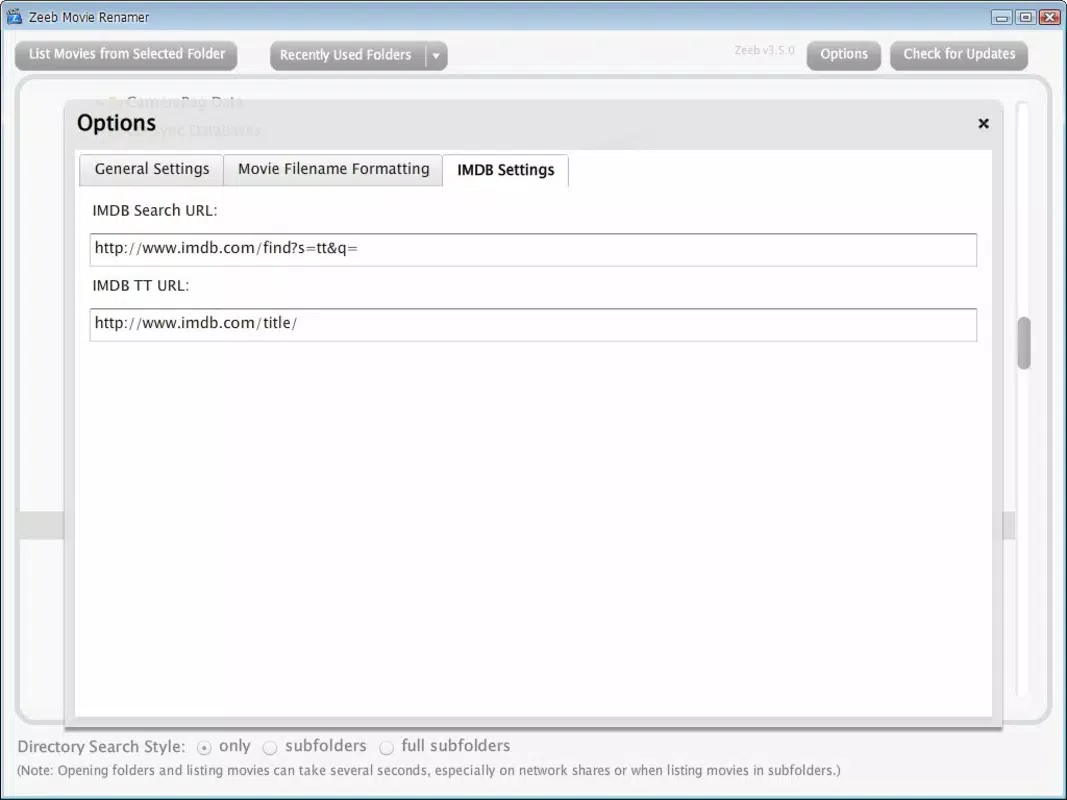
- IMDB Integration: The application connects directly with IMDB’s database to fetch up-to-date information. This ensures that movie titles, years, genres, ratings, and cast details are accurate and synchronized with the official source, reducing the risk of outdated or incorrect metadata.
- Batch Processing for Large Libraries: Zeeb supports processing multiple files at once, which is ideal for users managing extensive movie collections. It efficiently scans designated folders, matches files to IMDB entries, and applies standardized naming conventions across the entire library.
- File Renaming Automation: Once metadata is retrieved, users can automatically rename their movie files using a customizable template. This feature ensures consistency across the library, improving searchability and compatibility with media players and smart TVs.
For example, a user with a folder containing 200 unorganized movie files can use Zeeb to scan the directory, match each file to its correct IMDB entry, and rename them in the format “Movie Title (Year).mkv.” This transforms a manual, time-consuming task into a single automated process, significantly improving workflow efficiency.
Interface, UX & Performance
Zeeb’s interface is designed with clarity and usability in mind. The layout emphasizes functionality without visual clutter, using a minimalistic approach that prioritizes essential controls. Navigation is straightforward, with clearly labeled sections for scanning folders, viewing matched results, and applying changes. The application avoids unnecessary pop-ups or complex menus, contributing to a smooth user experience.
Although the developer did not list formal performance metrics, the app’s Adobe Air foundation suggests it is optimized for cross-platform compatibility and responsive operation. It is expected to function efficiently on a range of devices, including desktops and laptops, though specific performance benchmarks were not disclosed. Responsiveness during file scanning and metadata retrieval appears to be adequate for typical library sizes, with no reported delays in standard use cases.
Stability is maintained through consistent operation during batch processing, with minimal risk of crashes or data loss during renaming tasks. The app does not appear to consume excessive system resources, which is crucial when processing large volumes of files. Overall, the user experience is polished and purpose-driven, aligning with its role as a focused utility rather than a multimedia player or streaming platform.
Platform Compatibility & Technical Requirements
Zeeb is built on the Adobe Air platform, which enables cross-platform functionality. It is compatible with both Windows and macOS operating systems, allowing users across different environments to utilize the tool. The application does not require a specific version of the OS, though users are advised to ensure their system supports Adobe Air runtime.
The file size of Zeeb is not specified in the provided information. However, given its nature as a metadata management tool, it is likely to be lightweight, with minimal storage requirements. Compatibility with various device categories is expected, though specific hardware or software requirements were not listed.
The developer did not specify minimum OS requirements, nor did they provide details about installation prerequisites beyond the Adobe Air dependency. Users should ensure they have the latest version of Adobe Air installed to run the application successfully. For those unfamiliar with Adobe Air, the runtime may need to be downloaded separately from the official Adobe website.
Pros and Cons
Pros
- Efficiently organizes large movie collections with automated metadata retrieval.
- Seamless integration with IMDB ensures accurate and up-to-date information.
- Intuitive interface suitable for non-technical users.
- Customizable settings allow for personalized filtering and naming rules.
- Supports batch processing for faster management of multiple files.
Cons
- Dependent on Adobe Air, which may not be installed on all systems.
- Functionality is limited to metadata and renaming—no playback or media streaming.
- Specific technical requirements and file size were not disclosed.
- May not support advanced features like artwork downloading or subtitle integration.
- Compatibility with newer OS versions may require updates not yet available.
FAQ
Is Zeeb available for mobile devices?
Zeeb is built on Adobe Air and primarily designed for desktop environments. There is no official mobile version available at this time.
Can I use Zeeb without an internet connection?
No, Zeeb requires an active internet connection to access IMDB’s database for metadata retrieval. Offline use is not supported.
Does Zeeb support movie artwork and posters?
While the application retrieves metadata, specific details about artwork or poster downloads were not provided. It may not include automatic artwork fetching.
How do I install Zeeb on my computer?
Download the Adobe Air installer package from the official source, then install Zeeb. Ensure Adobe Air is properly configured before launching the app.
Is Zeeb safe to download and use?
As a desktop utility built on Adobe Air, Zeeb is considered secure when downloaded from trusted sources. Always verify the authenticity of the download link to avoid third-party modifications.
Final Thoughts
Zeeb stands out as a focused, reliable tool for anyone managing a sizable movie library. Its ability to automate metadata retrieval and file renaming from IMDB significantly reduces the time and effort required to maintain an organized digital collection. While it lacks the broad feature set of full media center applications, its specialized functionality makes it highly effective for its intended purpose.
Users who value consistency, accuracy, and ease of use in their movie organization will find Zeeb to be a valuable addition to their digital workflow. It’s especially beneficial for collectors, home theater enthusiasts, and individuals with extensive film archives who seek a lightweight, efficient solution.
With its intuitive design, customizable options, and strong IMDB integration, Zeeb delivers real-world utility without unnecessary complexity. For those looking to bring order to a chaotic movie library, this app offers a practical and secure path forward.
Download Zeeb now


